
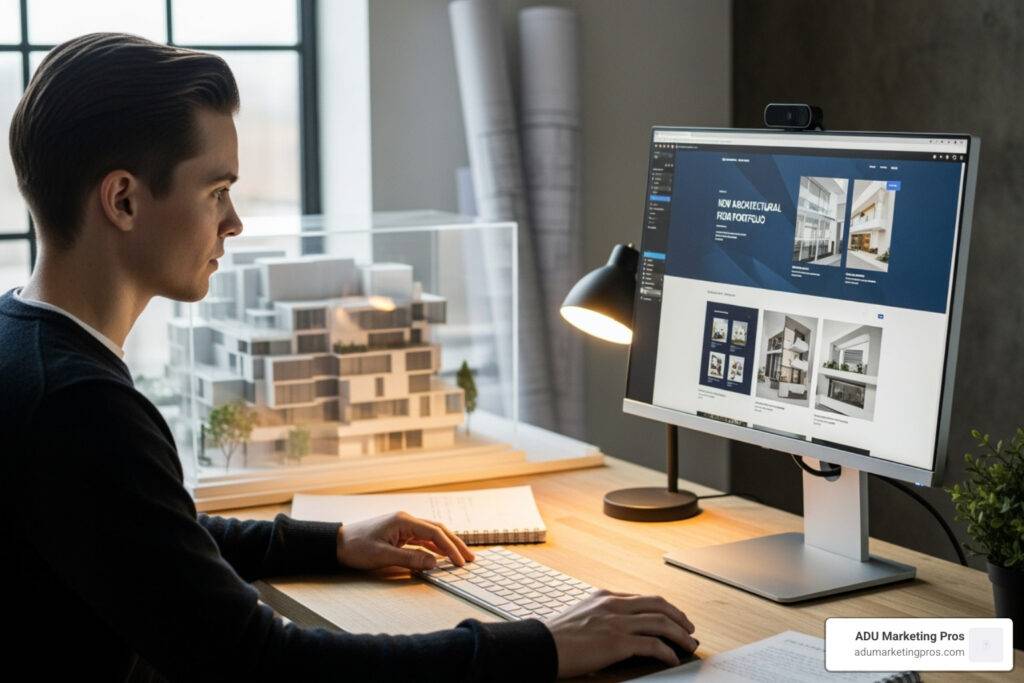
The Digital Foundation: Why Architects Need Powerful Web Tools
For modern architecture firms, a powerful online presence is non-negotiable. Your website is your digital storefront, and the right architect web design tools are essential for building a platform that reflects your firm’s vision and professionalism. It’s the digital blueprint for your success, serving as a critical tool for attracting clients and managing projects.
A strong website builds trust. Since 75% of consumers judge a business’s credibility on its website design, your digital space must be as carefully planned as your architectural work. Firms that invest in professional web design see a tangible increase in client inquiries and project bookings.
In today’s digital landscape, your online portfolio is your primary showcase. It allows you to share your unique vision and past successes with a global audience. Specialized web design tools help you move beyond static images, creating immersive, engaging experiences that captivate potential clients. These tools generally fall into a few key categories:
- Website Builders & CMS: Platforms like Webflow or WordPress for creating and managing your site.
- UI/UX & Prototyping Software: Tools like Figma or Sketch for planning site layouts and user journeys.
- 3D Visualization & Integration Tools: Software for embedding interactive 3D models and virtual tours.
- Collaboration & Project Management Features: Integrated tools for client communication and project updates.
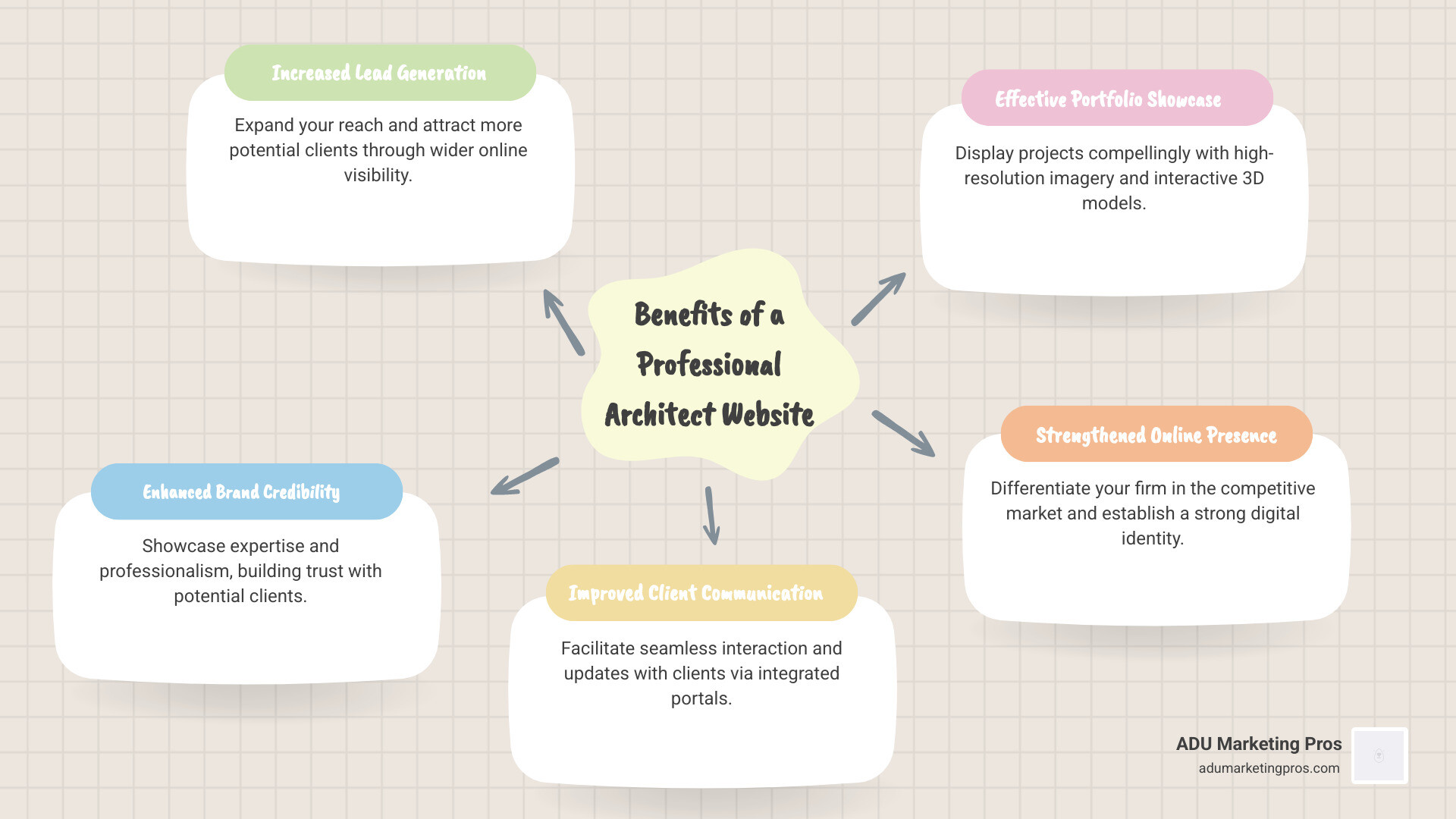
Key Features to Look for in Web Design Tools for Architects
When selecting architect web design tools, the goal is to find functionality that boosts your practice, attracts clients, and streamlines operations. The right tools should feel like a natural extension of your design philosophy, making your online presence as impactful as the buildings you create.
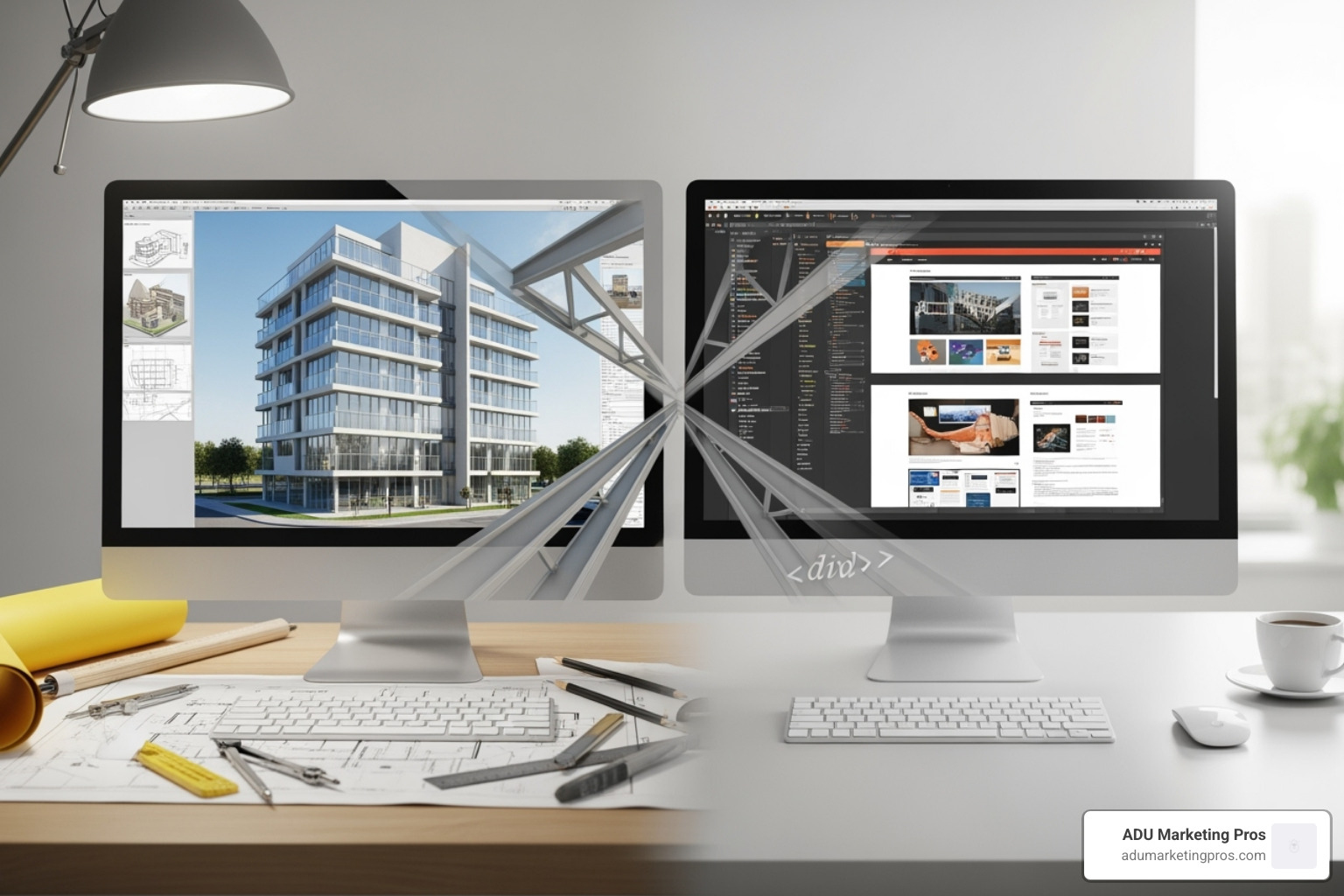
Here are the non-negotiable features to look for:
Visual Excellence and Interactivity
As visual storytellers, your website is your grandest exhibition. It must showcase your work with the detail and craftsmanship it deserves, as high-quality visuals directly correlate with a client’s perception of your firm’s value.
- Visual Portfolio Galleries: Your chosen tool must support high-resolution imagery and video without significant compression that degrades quality. Look for features like drag-and-drop gallery builders, customizable layouts (e.g., grids, carousels), and lightbox functionalities that allow for full-screen viewing. Professional architectural photography and videography are non-negotiable investments that these tools must present flawlessly.
- 3D Model and Video Integration: The ability to embed interactive 3D models is a game-changer, allowing clients to explore a space before it’s built. This moves beyond static renderings and offers a tangible sense of scale and design intent. Similarly, seamless video integration for project walkthroughs, drone footage, and client testimonials brings your projects to life and builds a personal connection.
- Immersive Experiences: Go beyond a simple gallery. Use your website to create project case studies that tell a story from concept to completion. Detail the initial client brief, the design challenges, your innovative solutions, and the final outcome. Combining high-resolution photos, architectural drawings, video clips, and virtual tours (using tools like Matterport) creates a powerful emotional connection and a deeper understanding of your capabilities.
Seamless Functionality and User Experience
A beautiful website is useless if it’s difficult to steer. A positive user experience (UX) is paramount for keeping potential clients engaged and guiding them toward contacting you.
- Responsive Design: Your site must look fantastic and function perfectly on any device, from large desktop monitors to smartphones. With Google’s mobile-first indexing, a site’s mobile version is the primary one for ranking, making responsive design a foundational technical requirement.
- Intuitive Navigation and Fast Loading Speeds: Visitors should be able to find your portfolio, services, and contact information within three clicks. A logical menu structure is key. Furthermore, page speed is a critical ranking factor and user retention tool. A site that takes more than three seconds to load will see a significant drop-off in visitors. This requires optimized images, clean code, and quality hosting.
- Accessibility: A truly professional website is usable by everyone, including people with disabilities. Adhering to the Web Content Accessibility Guidelines (WCAG) is not just about compliance; it’s about inclusivity. This includes practical steps like providing descriptive alt text for all images, ensuring the site can be steerd with a keyboard, using sufficient color contrast for text, and providing captions for videos.
- SEO-Friendly Architecture: Your site’s structure must be optimized for search engines. This involves more than just a few keywords; it means using proper heading tags (H1, H2, H3), having clean URLs, and creating an internal linking structure that helps Google understand your most important pages. This ensures potential clients can find you when searching for specific terms like “modern ADU architect in San Jose, CA.”
- Client Portals: A secure, private area for sharing project updates, documents, and messages with clients streamlines communication and lifts the client experience. This feature demonstrates transparency and professionalism, setting you apart from competitors.
For a deeper dive into what makes a compelling architect’s website, explore our page on More info about architect website design services. A strong brand identity is also key; learn more about Branding for Architecture Firms to ensure your online presence reflects your firm’s unique value.
A Curated Toolkit: Essential Architect Web Design Tools
Let’s explore the specific architect web design tools that can build your firm’s digital masterpiece. These tools provide the foundation for a well-designed and functional website.
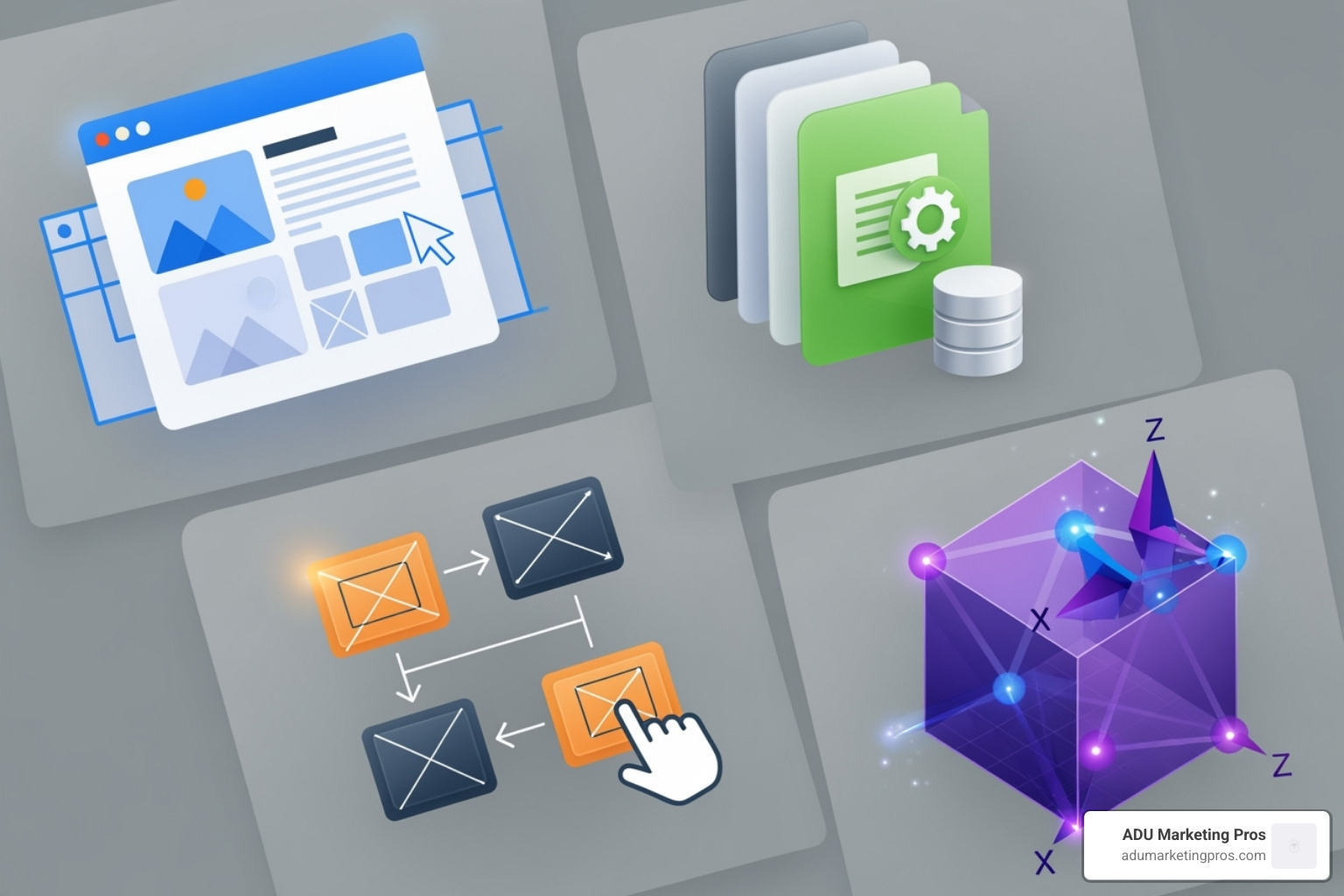
All-in-One Website Builders and CMS Platforms
These are the foundational tools for building and managing your website, offering different levels of control and ease of use.
- WordPress: As the world’s most popular Content Management System (CMS), WordPress offers unparalleled flexibility through a vast ecosystem of themes and plugins. Architect-specific themes provide excellent starting points for portfolio layouts. Its power lies in plugins like Envira Gallery for sophisticated image displays or various 3D viewer plugins for model integration. While it has a steeper learning curve for deep customization and requires diligent maintenance (updates, security), its scalability and massive community support make it a top choice for firms that anticipate future growth.
- Webflow: This visual development platform is a favorite among design-focused professionals. It allows for the creation of pixel-perfect, responsive websites without writing code, offering a “what you see is what you get” experience. It’s praised for its clean code output, incredibly powerful CMS for managing project portfolios, and built-in high-performance hosting with SSL security. For architects who demand absolute control over visual design and want a secure, low-maintenance platform, Webflow is an exceptional choice.
Prototyping and UI/UX Design Tools
Before building, you must design the user experience. These tools help plan your website’s structure, flow, and look, much like a schematic design phase for a building.
- Figma: A cloud-based design tool that has become the industry standard for its real-time collaboration features. Architectural teams, designers, and clients can work on the same file simultaneously to create everything from basic wireframes to high-fidelity mockups and interactive prototypes. Its ability to create design systems ensures brand consistency across the entire website.
- Sketch: A powerful vector-based design tool for macOS, long favored for its clean interface and robust features for UI/UX design. It excels at creating graphical assets, website layouts, and prototypes. While Figma has gained popularity for collaboration, Sketch remains a strong contender, especially for designers working within the Apple ecosystem.
- Adobe XD: A direct competitor to Figma and Sketch, Adobe XD’s main advantage is its seamless integration with the Adobe Creative Cloud suite (Photoshop, Illustrator). This makes it an efficient choice for firms that already have a deep workflow within Adobe’s software.
- Balsamiq: This tool specializes in low-fidelity wireframing, allowing you to quickly sketch initial concepts. Its intentionally “hand-drawn” aesthetic is a strategic choice, keeping early conversations focused on core functionality and user flow rather than getting bogged down in visual details like colors and fonts.
Understanding the principles of information architecture is also beneficial. Resources like The ArchiMate® Standard for enterprise architecture offer insights into structured modeling that can be applied to web design.
Specialized 3D and Visualization Integrations
This is where your architectural brilliance truly shines online. Integrating your 3D models and visualizations turns static images into interactive experiences.
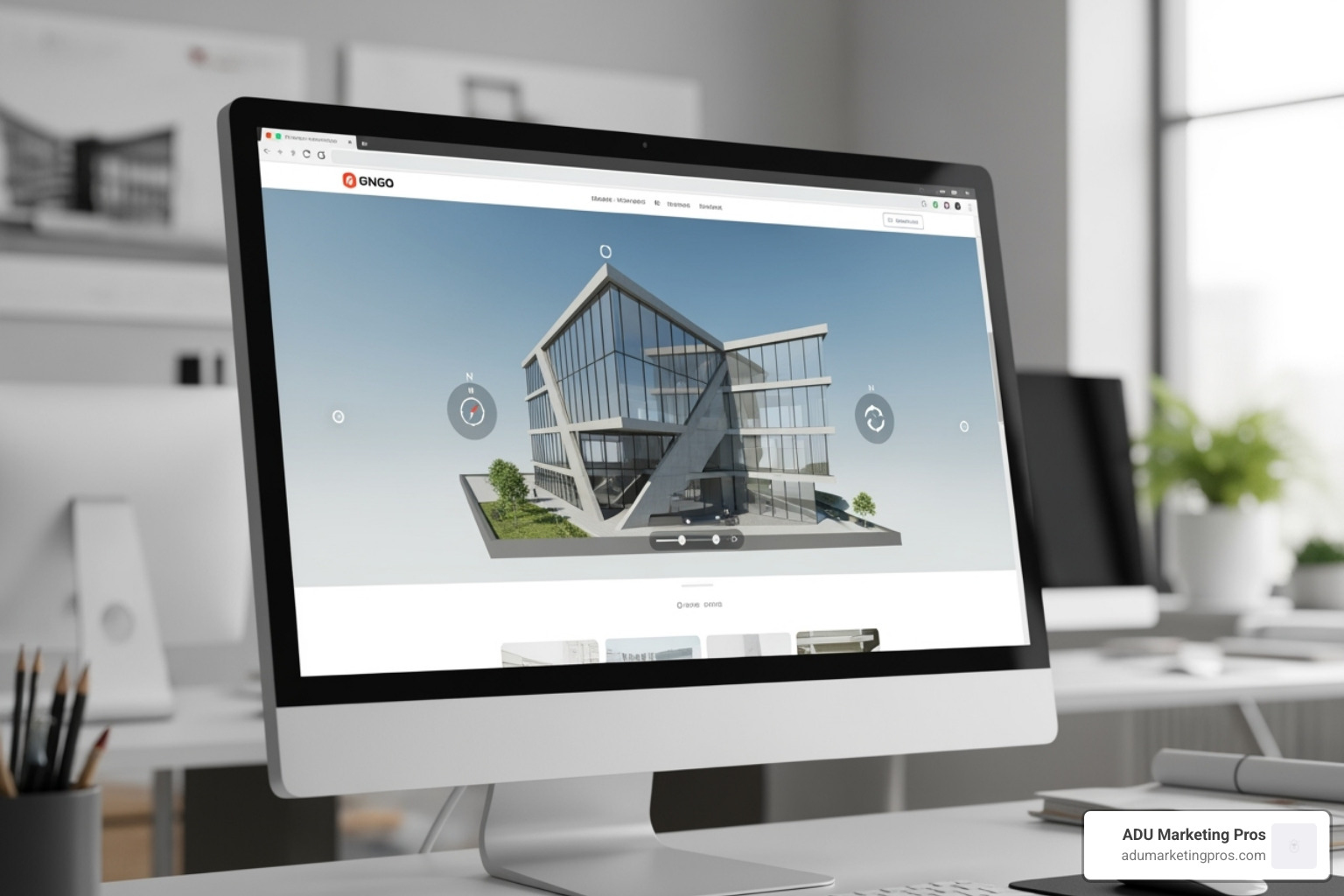
- Matterport Digital Twins: Embedding Matterport’s 3D captures of completed projects allows prospective clients to take a virtual walkthrough, giving them an unparalleled sense of space and finish quality. This is especially effective for showcasing built work like custom homes or ADUs.
- Sketchfab & 3D Model Viewers: To display unbuilt designs, you can export models from software like Autodesk Revit, SketchUp, or Rhino into web-friendly formats (like glTF or OBJ). Platforms like Sketchfab then provide a simple way to embed these models on your site, allowing visitors to rotate, zoom, and explore your 3D designs directly in their browser. Many CMS platforms also have dedicated plugins for this.
- Real-Time Rendering Embeds: For the most immersive experience, videos or interactive experiences created with real-time rendering engines like Twinmotion, Enscape, or Lumion can be embedded. These tools create photorealistic walkthroughs that bring a design to life in a way static images cannot.
- Dora: This innovative platform pushes the boundaries of web design, enabling the creation of 3D animated websites without code. For avant-garde firms wanting a unique and visually captivating portfolio with advanced animations, Dora offers effects previously only achievable through complex custom development.
From Blueprint to Browser: Building Your Digital Brand
Your website is the foundation of your firm’s online identity—a virtual office where your brand comes to life. It’s where you showcase your portfolio, articulate your design philosophy, and guide potential clients on their journey. This process is a key part of your overall Online Marketing for Architects strategy.
Crafting a Compelling Portfolio Narrative
Your portfolio should do more than display images; it should tell a story. Use architect web design tools to craft a compelling narrative around each project, highlighting the challenge, your solution, and the impact.
- Strategic Project Selection: Feature projects that showcase your expertise and attract the type of work you want, such as specific ADU styles or sustainable designs.
- Detailed Case Studies: Provide context, explain the challenges you solved, and detail your innovative solutions.
- Client Testimonials: Build trust with authentic feedback from happy clients.
- Clear Design Philosophy: Articulate what sets your firm apart from the competition.
This narrative-driven approach, weaving together visuals and text, is key to effective Architecture Lead Generation.
Enhancing Client Communication and Project Management
Architect web design tools can significantly improve client communication and project management by integrating smart, transparent functions. A secure client portal on your website can provide:
- Project Progress Dashboards: Real-time updates on build status.
- Secure File Sharing: Easy exchange of documents, plans, and renderings.
- Integrated Scheduling Tools: Convenient booking for meetings or site visits.
- Streamlined Contact Forms: Inquiries routed directly to the right team member.
These features improve efficiency and improve the client experience, building trust and reinforcing your firm’s professionalism. This can be supported by targeted Email Marketing for Architects to keep clients informed.
Choosing the Right Platform: Specialized vs. General Tools
A crucial decision is whether to use a general website builder or a more specialized solution.
- General Website Builders (e.g., Squarespace, Wix): These platforms are often easy to use, affordable, and quick to launch. However, they offer limited customization, may lack integrations for 3D models or advanced portfolios, and provide less control over SEO. The result can be a generic-feeling site.
- Specialized/Bespoke Solutions (e.g., Webflow, Custom WordPress): These are custom to your specific needs. They offer advanced customization, seamless integration of architectural visuals (3D models, VR tours), and superior SEO control. While the initial investment may be higher and the learning curve steeper, the long-term benefits include a stronger brand identity, greater scalability, and a unique online presence that stands out.
For architects in competitive markets like California’s ADU sector, the benefits of specialized tools often outweigh the costs. They empower you to create a digital presence that highlights your expertise and attracts high-quality leads.
Strategic Considerations for Your Website Investment
Your website is a dynamic business asset that should adapt as your firm grows. Investing wisely means ensuring it continues to work for you, attracting your ideal clients and providing a clear return.
Budgeting for Your Digital Presence
Understanding the full cost of a professional website is key. Look beyond the initial build and consider all the components of your investment.
- Platform Subscriptions: Professional-grade architect web design tools and platforms like Webflow or managed WordPress hosts have monthly or yearly fees, often ranging from $50 to over $300 per month depending on traffic and features.
- Domain and Hosting: These are recurring annual costs for your website’s address (domain) and online storage (hosting). While some platforms bundle this, it’s a separate cost with others.
- Themes and Plugins: Premium themes or specialized plugins for features like advanced galleries, 3D model viewers, or client portals may have one-time or recurring costs.
- Custom Development: A fully bespoke site is a significant upfront investment ($5,000 – $50,000+) but offers a solution perfectly custom to your firm’s brand, workflow, and marketing goals.
- Content Creation: This is a critical and often underestimated cost. Professional architectural photography, videography, drone footage, 3D renderings, and expert copywriting are essential investments to make your projects shine. This is not an area to cut corners.
- Ongoing Maintenance: Regular software updates, security checks, performance monitoring, and content refreshes are necessary to keep your site secure and performing well. This can be a monthly retainer with an agency or an internal staff cost.
- SEO & Digital Marketing: Building the website is just the first step. An ongoing budget for Search Engine Optimization (SEO) or targeted advertising (like Google Ads) is required to drive qualified traffic to your new digital asset.
A professional website is an investment that pays for itself by attracting more clients and higher-value projects. Services like Google Ads for Architects can help maximize the return on this investment by driving targeted traffic to your new site.
Staying Ahead: Key Web Design Trends for Architects
The digital world evolves quickly. Keeping your website modern shows you’re an innovative firm. Here are key trends relevant to architects:
- Minimalist Aesthetics: Clean, uncluttered designs with generous white space continue to dominate. This “less is more” approach ensures that your stunning architectural visuals are the undisputed hero of the page, free from distraction.
- Immersive 3D/VR Experiences: Embedding interactive 3D models and virtual reality tours is rapidly shifting from a novelty to a client expectation. It provides an unparalleled understanding of space and form before a single brick is laid.
- Story-Driven Scrolling: Using parallax effects and scroll-triggered animations to tell a project’s story. As a user scrolls, they can be guided through the design process, from initial sketches to final photography, creating a narrative journey that is far more engaging than a static page.
- Sustainable Design Focus: Beyond just a page on sustainability, successful firms are weaving their commitment to green practices throughout their project case studies, demonstrating real-world application and results. This resonates deeply with modern clients.
- Asymmetrical and Broken Grid Layouts: Moving away from rigid, predictable grids creates a dynamic, modern feel that makes a website more memorable and visually interesting. It reflects the creativity and custom nature of architectural work.
- Advanced Micro-interactions: Small, subtle animations and visual feedback on user actions (like a button changing on hover or a project image subtly zooming) create a polished, professional, and delightful user experience that signals high attention to detail.
- AI-Powered Features: Artificial intelligence is being integrated in practical ways. This includes AI-powered chatbots to handle initial client inquiries 24/7, personalized content recommendations based on user behavior, and improved on-site search that understands natural language queries.
Partnering with digital marketing professionals who track these trends is the most effective way to stay current. For firms in California, this ensures your online presence remains competitive, particularly with a focus on Local SEO for Architects California.
Frequently Asked Questions about Architect Web Design Tools
Navigating the options for your firm’s online presence can bring up some common questions. Here are answers to a few we hear most often.
What is the most important feature for an architect’s website?
The single most important feature is a visually compelling and easy-to-steer portfolio. Your architectural work is your strongest asset, so your website must showcase it beautifully with high-resolution images, detailed case studies, and interactive elements like 3D models or virtual tours. However, this visual excellence must be paired with intuitive navigation and fast loading speeds. A stunning portfolio is ineffective if it’s slow or difficult for users to find and explore.
How can I integrate my BIM or CAD models directly into my website?
Integrating interactive models from software like Revit (BIM) or AutoCAD (CAD) is a powerful way to engage clients. The process typically involves these steps:
- Export to a Web-Friendly Format: Your large, detailed models need to be converted to optimized formats like glTF, FBX, or OBJ.
- Use a 3D Model Viewer: Many modern architect web design tools and CMS platforms have built-in plugins or widgets for this. Alternatively, services like Sketchfab provide simple embed codes that allow users to rotate, zoom, and explore models directly in their browser.
- Embed Virtual Tours: For completed projects, embedding virtual walkthroughs from platforms like Matterport offers an immersive experience.
This transforms your site from a static gallery into an interactive showcase.
How much should an architecture firm budget for a new website?
The budget for an architecture firm’s website varies significantly based on complexity, features, and the level of customization.
- Template-Based Website: Using a platform like WordPress or Webflow with a professional theme, a solid professional site can range from $2,000 to $10,000. This is a great starting point for establishing a credible online presence.
- Custom-Designed Website: For a completely bespoke solution with unique features like client portals, extensive 3D model integration, and advanced SEO, costs typically range from $15,000 to $50,000+. This higher investment delivers a site custom precisely to your firm’s brand and workflow, providing a significant competitive advantage and a strong return on investment.
Think of your website as a long-term investment in your firm’s growth, similar to new software or office space.
Conclusion

In today’s competitive architectural landscape, your digital presence is a crucial extension of your firm’s identity. By choosing the right architect web design tools, you are not just building a website; you are making a strategic investment in your brand, your client acquisition process, and your future growth.
These tools empower you to create immersive 3D experiences, streamline client communication, and build a dynamic digital storefront that attracts high-quality leads 24/7. For firms specializing in ADUs, a thoughtfully designed website is essential for standing out in the booming California market by highlighting expertise over price.
At ADU Marketing Pros, we specialize in helping architectural firms steer this digital landscape. We empower you to use these powerful tools to build a strong brand, connect with ideal clients, and achieve architectural brilliance both on and off the screen.
Ready to lay a digital foundation as impressive as your designs? Let’s discuss how we can help you Get a professional architect website design that truly sets you apart.